Track food you throw away
Log what goes in the trash and see how much it cost each month, so you can buy a little smarter.
Takes about 1 minute
Nobody likes tossing food. Seeing what you throw away, and what it cost, is a good first step to wasting less.
Steps
- Open the Waste Tracker. Tap the Account tab, then Waste Tracker. Below the form is this month's log, with the number of entries and the estimated cost.
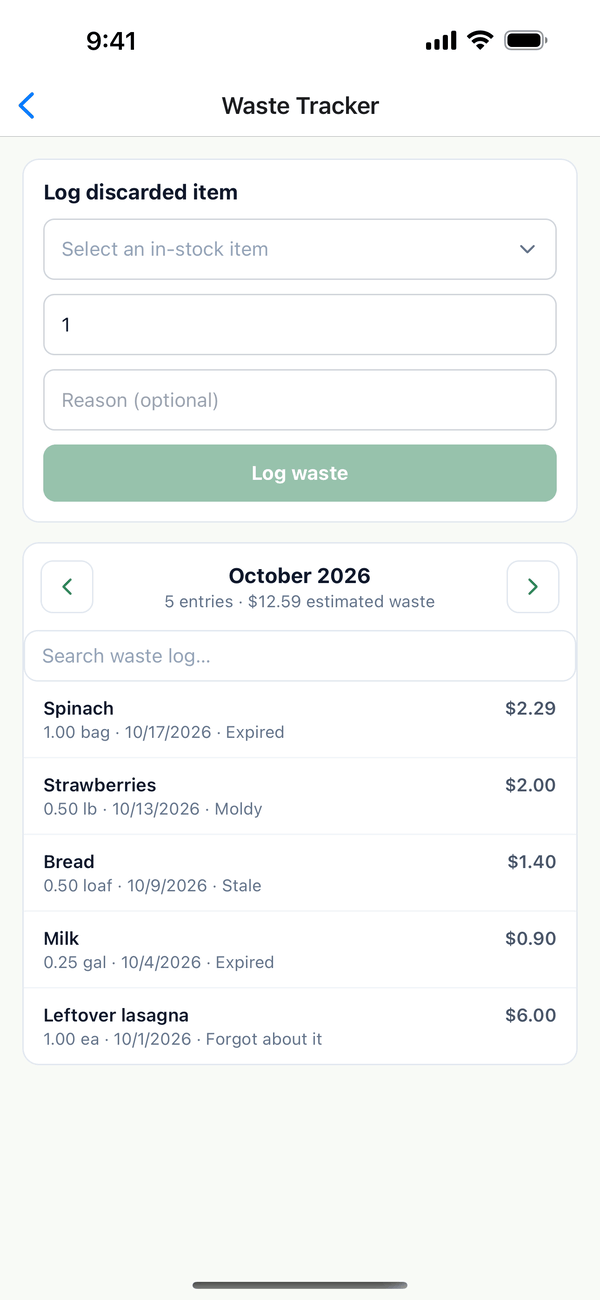
- Log what you threw away. Under Log discarded item, choose the item from Select an in-stock item, enter how much, and add a reason if you like. Tap Log waste.
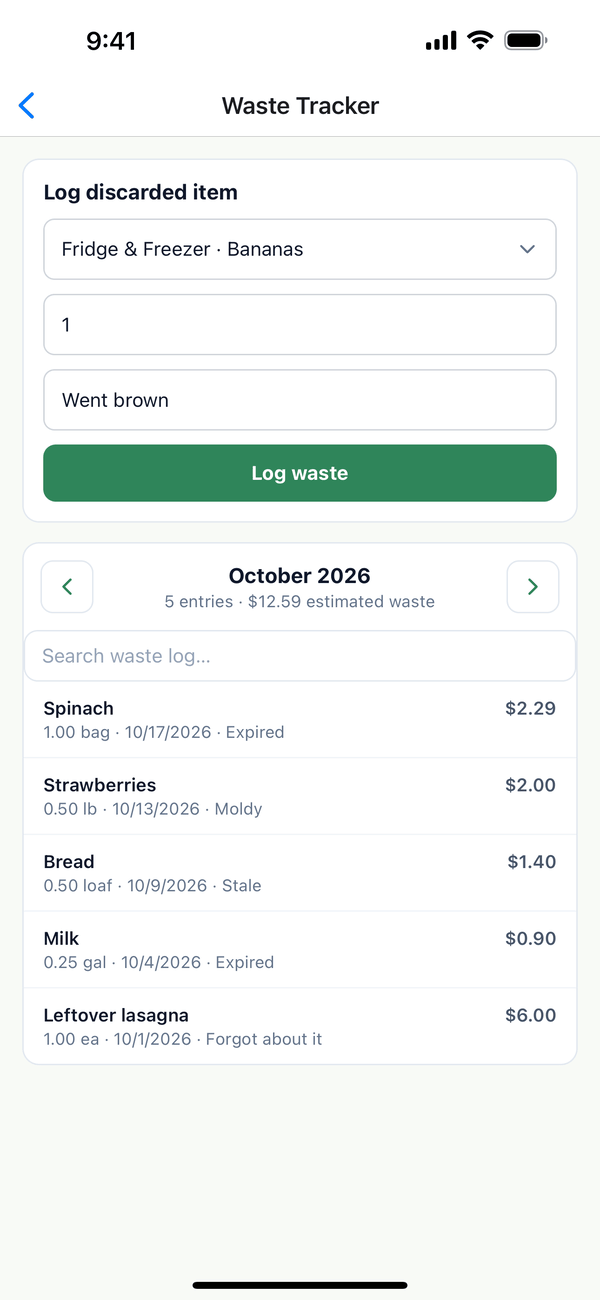
- Look back. Use the arrows to see other months, and Search waste log… to find an item.
Tips
- Logging takes it out of your inventory, so the quantity stays right.
- The cost estimate uses the item's latest price. Record prices to make it more accurate.
- Use expiration dates to catch things before they go bad.
On the web
Waste Tracker is under Inventory in the menu at domesio.com.
← Back to all guides
Still stuck? Send us feedback