Browse the public recipe library
Find Domesio's published recipes by name, ingredient, or category, then save one to your household recipe book.
Takes about 2 minutes
The public recipe library is a read-only collection of recipes published by Domesio. You can browse it without signing in, search by recipe name or ingredient, and open a recipe for the full ingredient list and directions. Your household's private recipes stay in My Recipes.
Steps
- Open the library. On iPhone or Android, open Account and tap Explore recipes beside Recipes. On the web, open Recipe Library from the public site navigation.
- Browse or search. Browse All recipes or choose a category. Search by recipe name, ingredient, description, or tag.
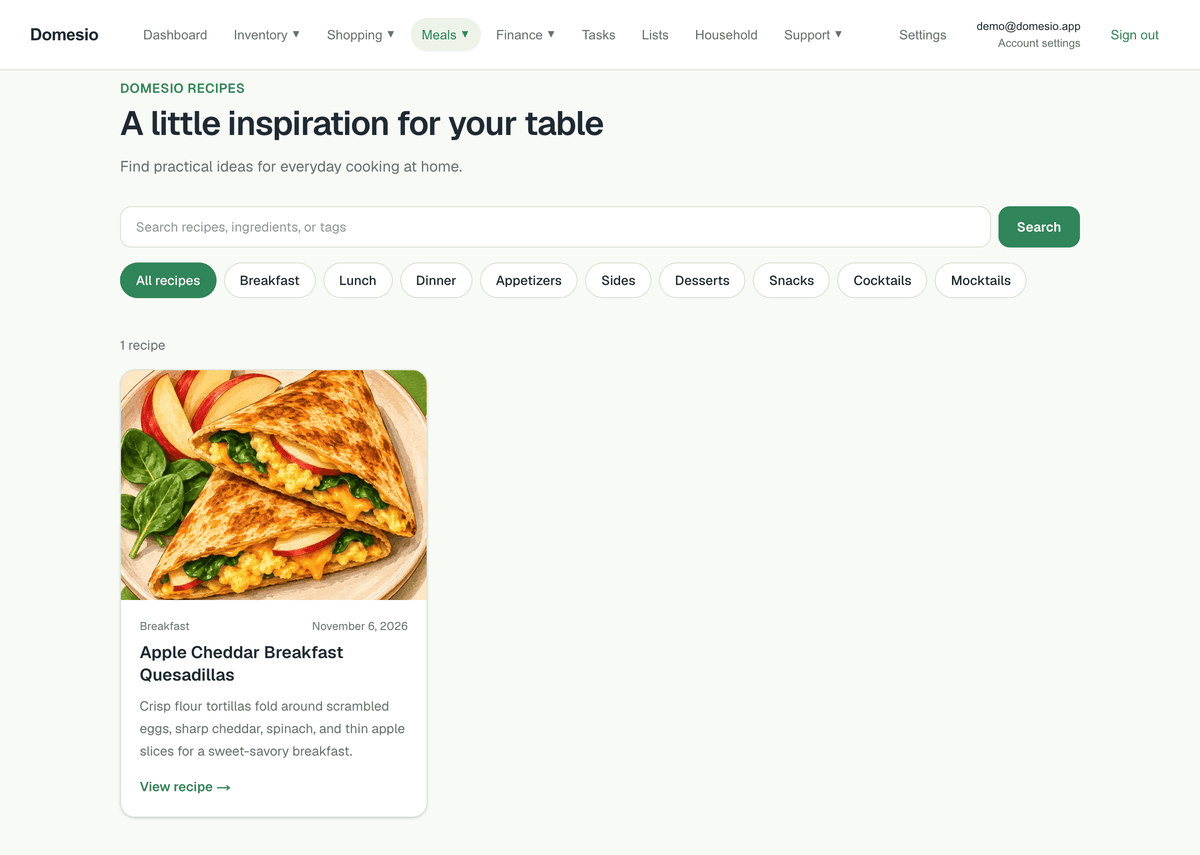
- Open a recipe. Tap a recipe card to see its ingredients, directions, preparation time, storage guidance, and food-safety sources.
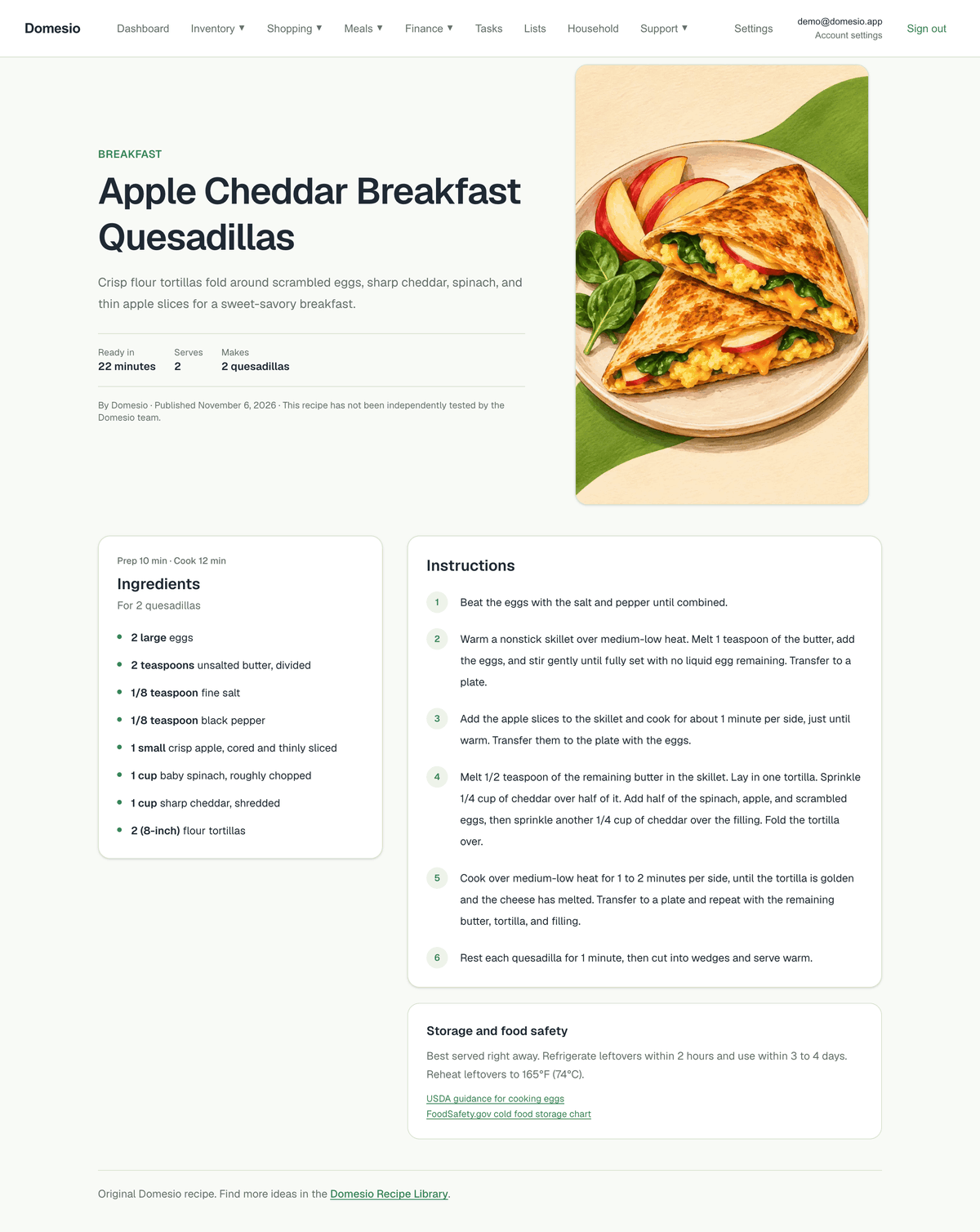
- Save a recipe. Tap Save to My Recipes. If you are signed out, sign in or create a free account, return to the recipe, and tap Save to My Recipes again. Saving makes a copy in your active household and does not change inventory. If it is already saved, Domesio says so and links to My Recipes.
- Return to results. Use the back button to return to the library. Your search and category are retained while browsing.
Pull down on the library to refresh. If recipes cannot load, check your connection and tap Try again. If a search has no matches, try a different word or clear the filters. Load more recipes appears when additional results are available.
On the web
Open Recipe Library from the public site navigation. Search or choose a category, then select a recipe card to read the full recipe. Use Back to recipes to return to your results.
Tips
- The library is public and read-only. It does not expose your household recipes or inventory.
- Search checks titles, descriptions, categories, tags, and ingredients.
- Check ingredient labels for allergens and follow the recipe's food-safety guidance.