Plan your week with the weekly review
Check supplies, meals, and tasks together on the web.
Takes about 2 minutes
The weekly review gives your household a short look ahead. It is available to everyone on the web and in the app.
Steps
- Open the review. In the app, choose Start weekly review in Today on Home. On the web, choose the same link in Today on your Dashboard. The dates show the next seven days in your saved time zone.
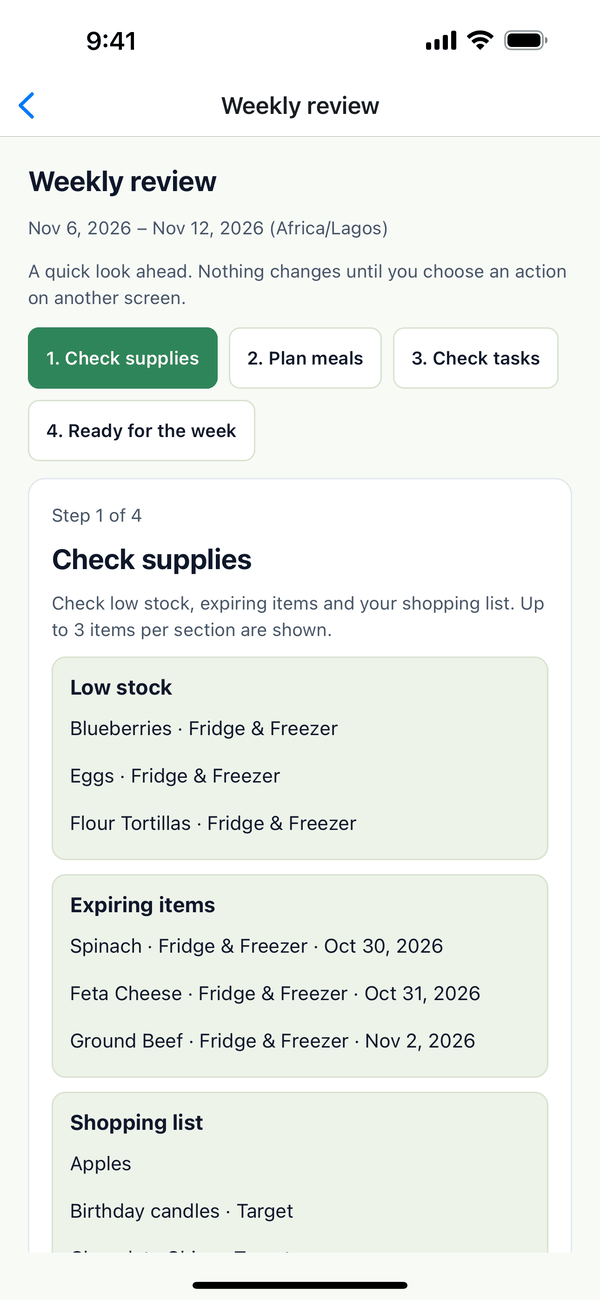
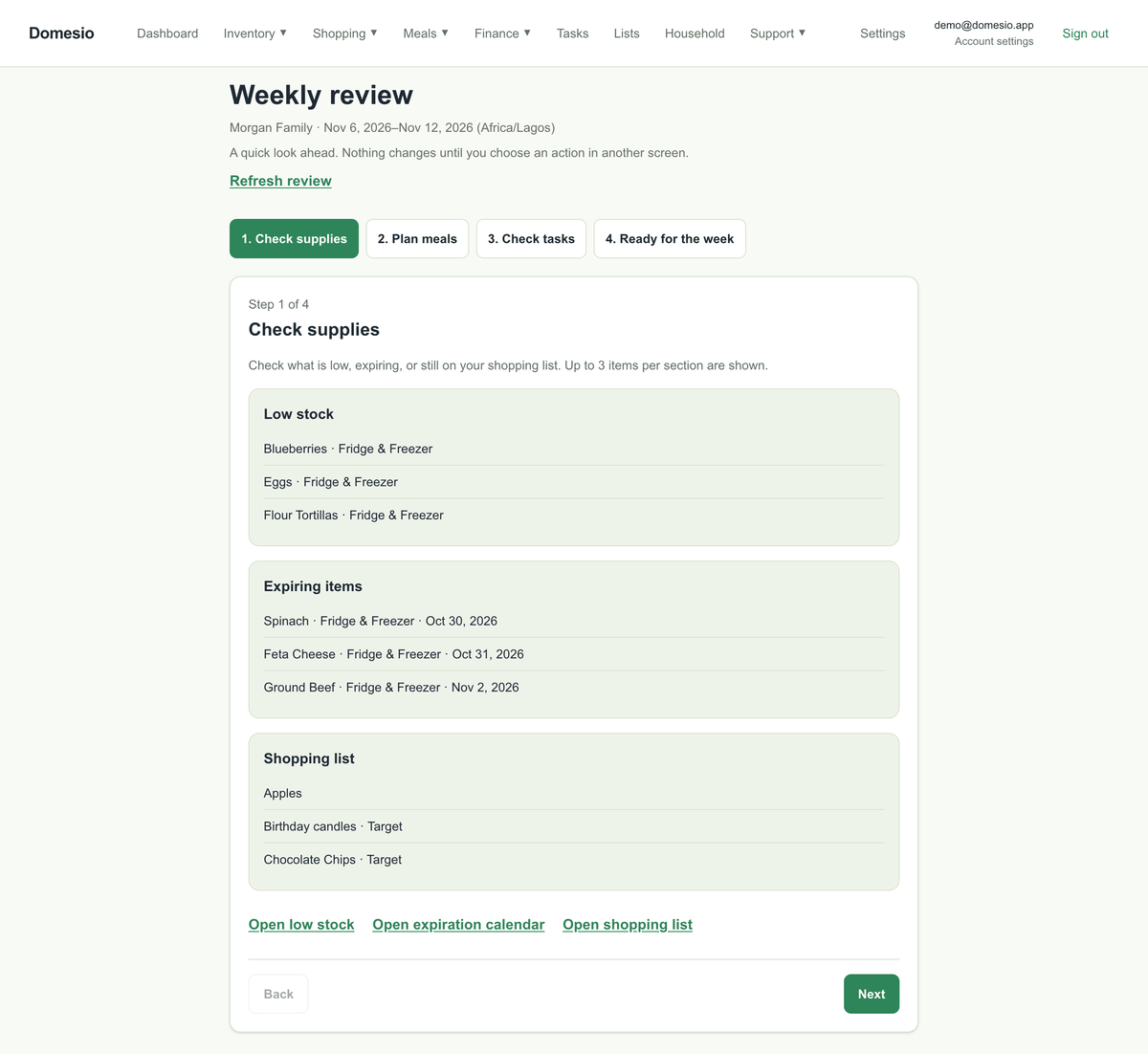
- Check supplies. Review low stock, expiring items, and unchecked shopping items. Open the relevant list if you want to make a change. The preview shows up to 3 rows per section.
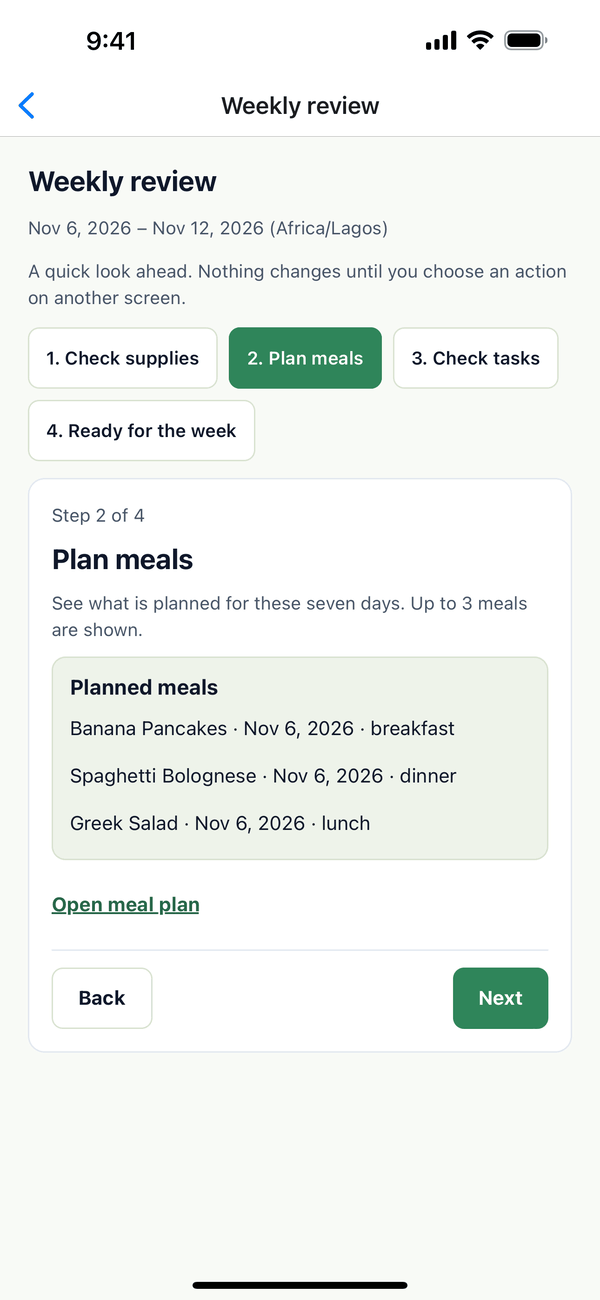
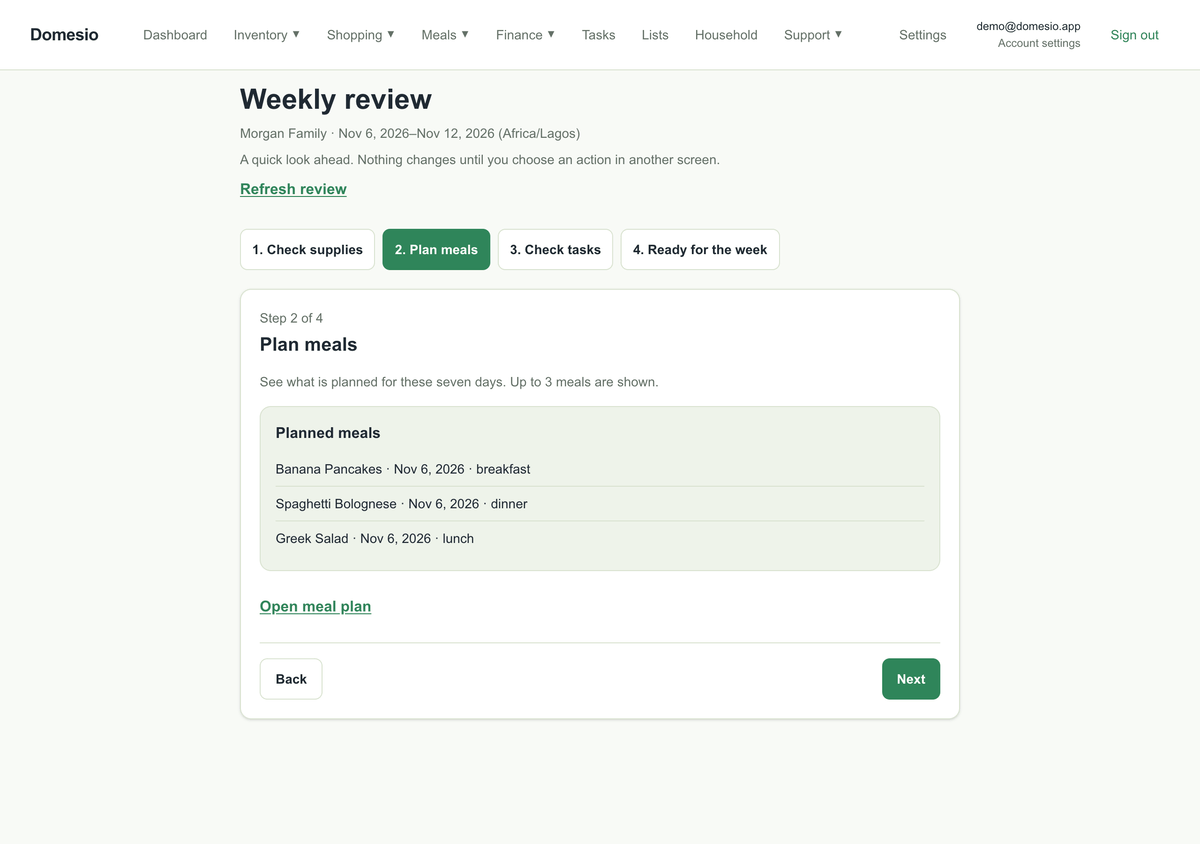
- Plan meals. Review planned meals and choose Open meal plan if you want to change them.
- Check tasks. See dated pending tasks due by the end of the period, including overdue tasks. Choose Open tasks to make changes.
- Finish the review. The last step confirms you have reached the end. Use Back or the step buttons to revisit a section. The review does not mark tasks or other work complete.
If some information could not load, choose Try again. The other sections remain available. Your place is kept for this household during the current app session or browser tab for the current review period.