Shop by store
Group the shopping list by store so you see everything to buy at Costco in one place, then the next stop.
Takes about 1 minute
Most of us shop at more than one store. Domesio groups the list by store, so each stop has its own short list.
Steps
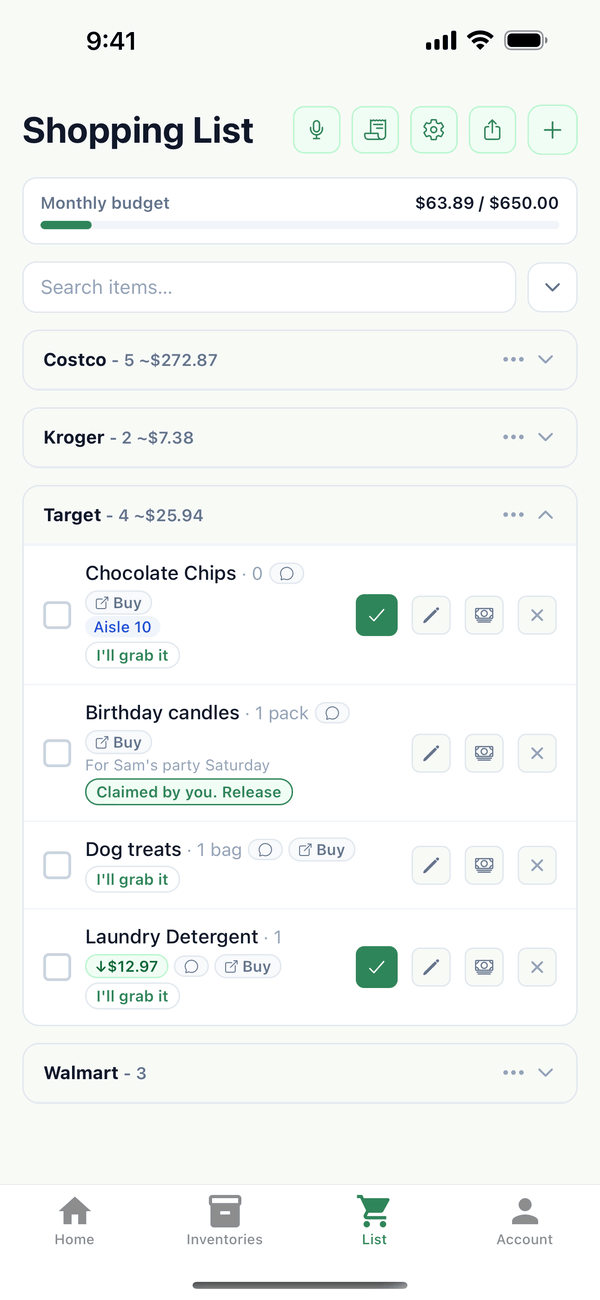
- See the list by store. The List tab groups items under each store, with how many items and an estimated total. Tap a store's heading to fold it away.
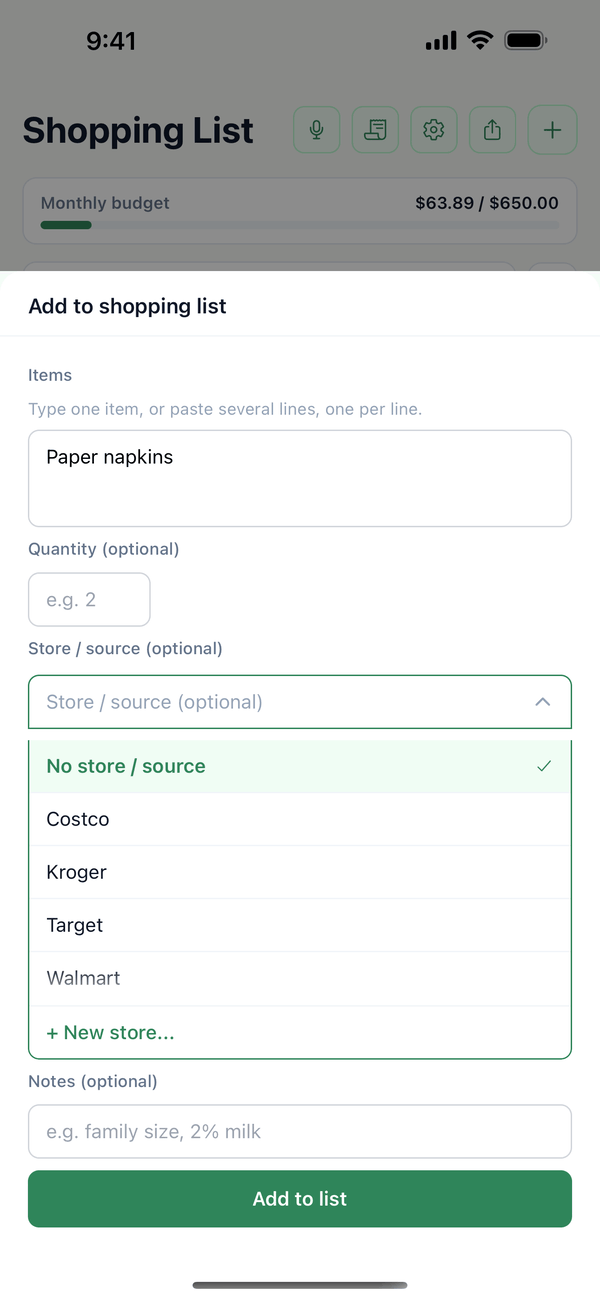
- Pick a store when you add an item. In Add to shopping list, tap Store / source (optional) and choose a store, or + New store... to type a new one. Items without a store go under No store set.
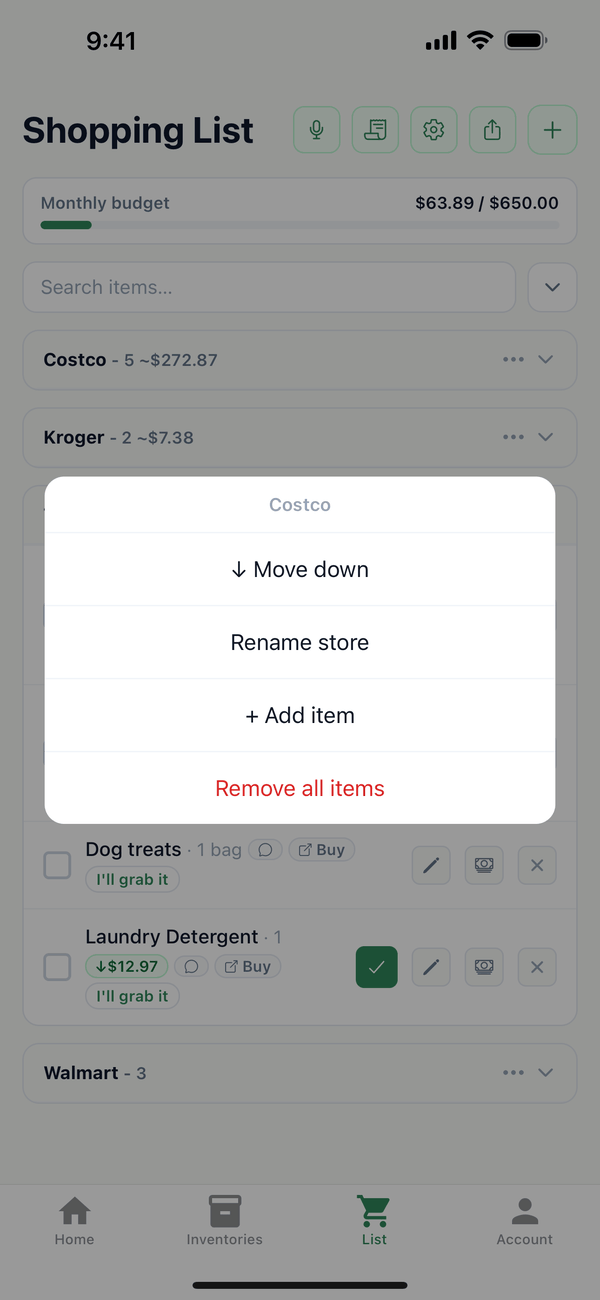
- Use the store menu. Tap the ⋯ on a store's heading to Move up or Move down (the order of your trip), Rename store, + Add item to that store, or Remove all items.
Tips
- Inventory items bring their store with them. Set Store / source on an item in its inventory, and it lands in that store's group when it goes on the list.
- Rename store changes the store on every item in that group, including the items in your inventories.
- Remove all items only clears that store's items from the list. Inventory quantities don't change.
- Shopping at one store today? Use the Store filter. See the search, filter, and sort guide.
← Back to all guides
Still stuck? Send us feedback