Set a monthly grocery budget
Set how much you want to spend on groceries each month and watch your progress at the top of the shopping list.
Takes about 1 minute
A grocery budget only works if you can see it while you shop. Domesio puts it at the top of the shopping list.
Steps
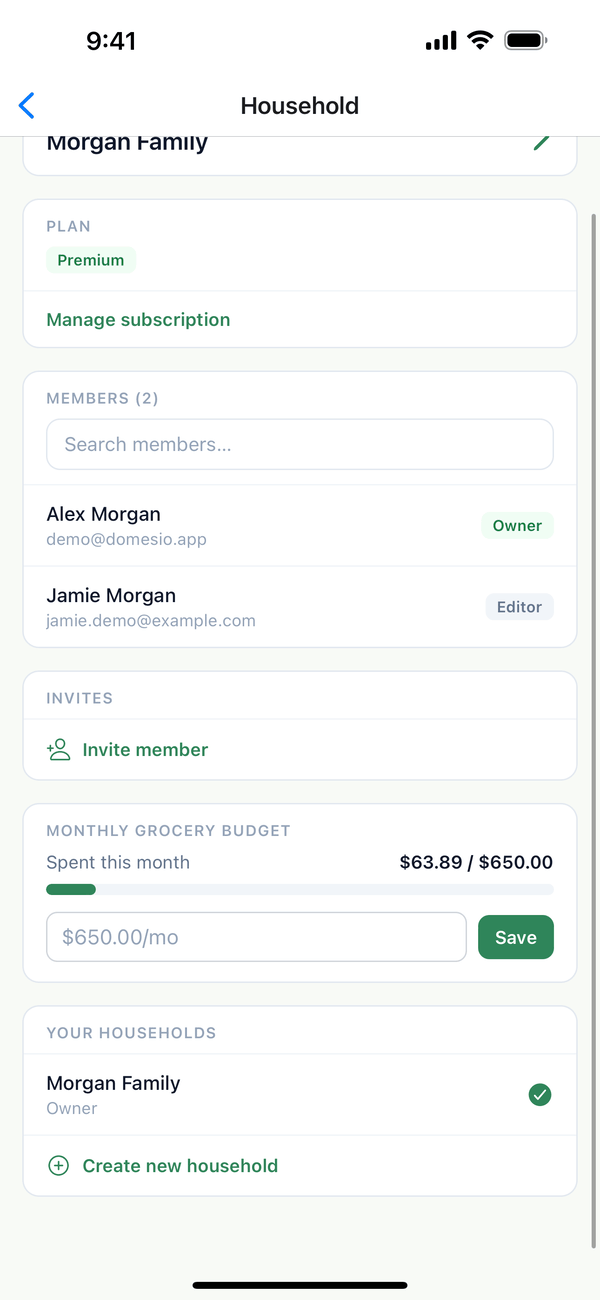
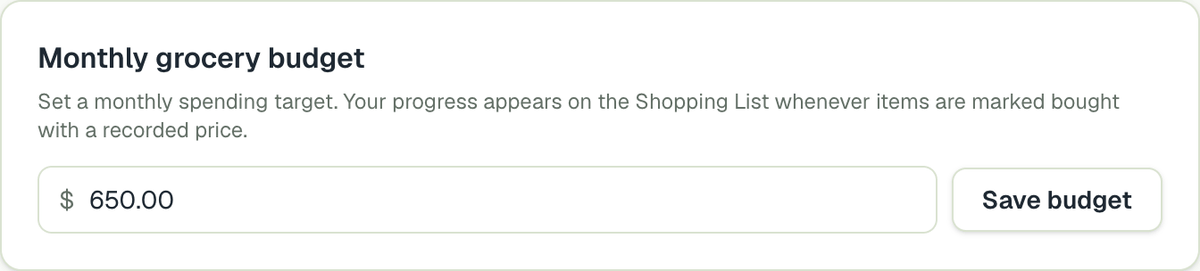
- Set the budget. Tap the Account tab, then Household settings. Under Monthly grocery budget, type the amount and tap Save.
- Watch it while you shop. The Monthly budget bar at the top of the List tab shows what you've spent this month out of your budget.
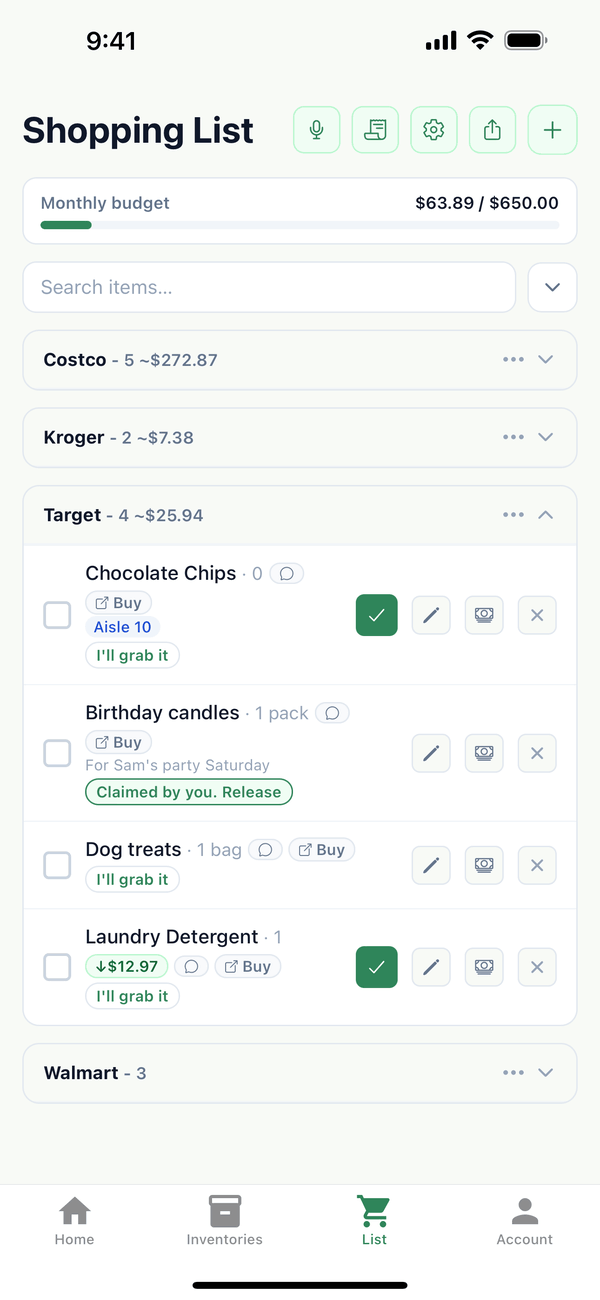
- Spending adds up as you shop. When you tap the green Bought button on an item that has a recorded price, its price counts toward Spent this month.
Tips
- Record prices with the price button on a shopping list item, so Bought knows what it cost.
- The budget is for the whole household, and everyone sees the same bar.
- Want income, bills, and every expense in one place? Open Finance from the Account tab.
On the web
Monthly grocery budget is on the Household settings page at domesio.com.
← Back to all guides
Still stuck? Send us feedback