See who changed what
Recent Activity shows every change in your household: who added, edited, or restocked what, and when.
Takes about 1 minute
Who used the last of the coffee? Recent Activity keeps a list of changes in your household, newest first, so you don't have to ask.
Steps
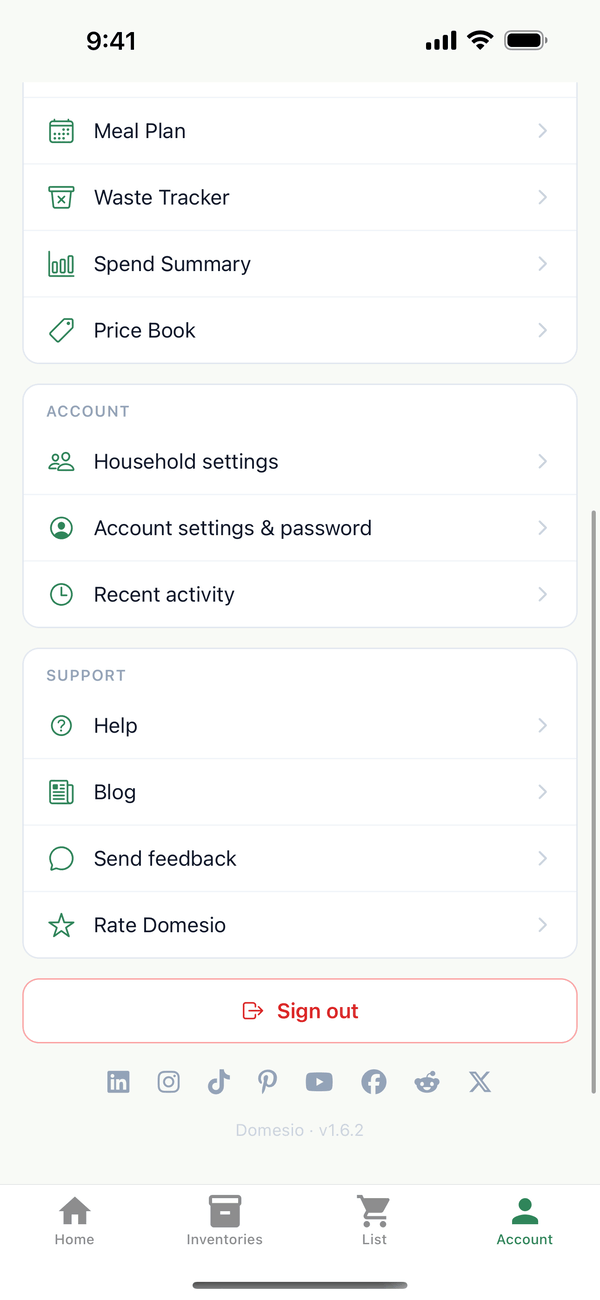
- Open Recent activity. Tap the Account tab, then Recent activity.
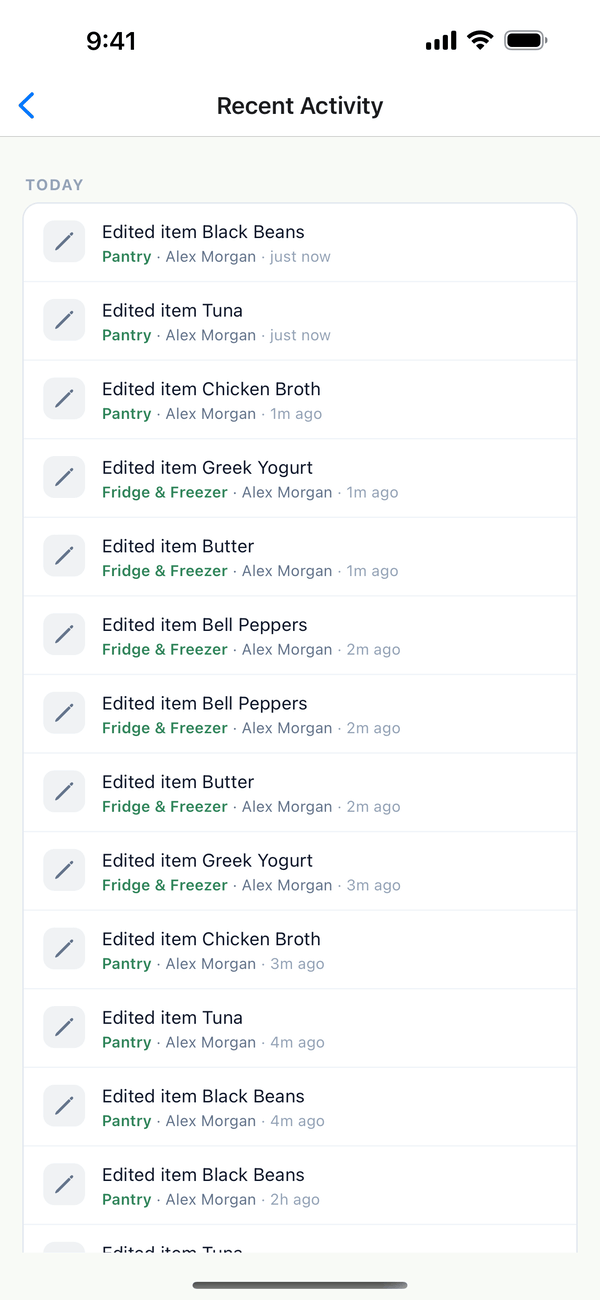
- Read the list. Each line says what changed, like "Edited item Black Beans", with the inventory, who did it, and how long ago. Changes are grouped by day.
Tips
- What shows up: adding, editing, deleting, and restocking items, and adding items to or removing them from the shopping list.
- Pull down to refresh to see changes someone just made.
On the web
Recent activity is at the bottom of Household settings at domesio.com.
← Back to all guides
Still stuck? Send us feedback