Domesio Premium: what you get and how to subscribe
Premium removes ads and gives your whole household unlimited inventories and budgets, for one price.
Takes about 1 minute
Domesio is free to use. Premium is for households that want more room and no ads, and one subscription covers everyone in the household.
Steps
- See what's included. Premium is $2.99 a month and gives your household unlimited inventories (the free plan has up to 3), unlimited budgets (the free plan has 1), and no ads.
- Find your plan. In the app, tap Account, then Household settings. The Plan card shows Free or Premium.
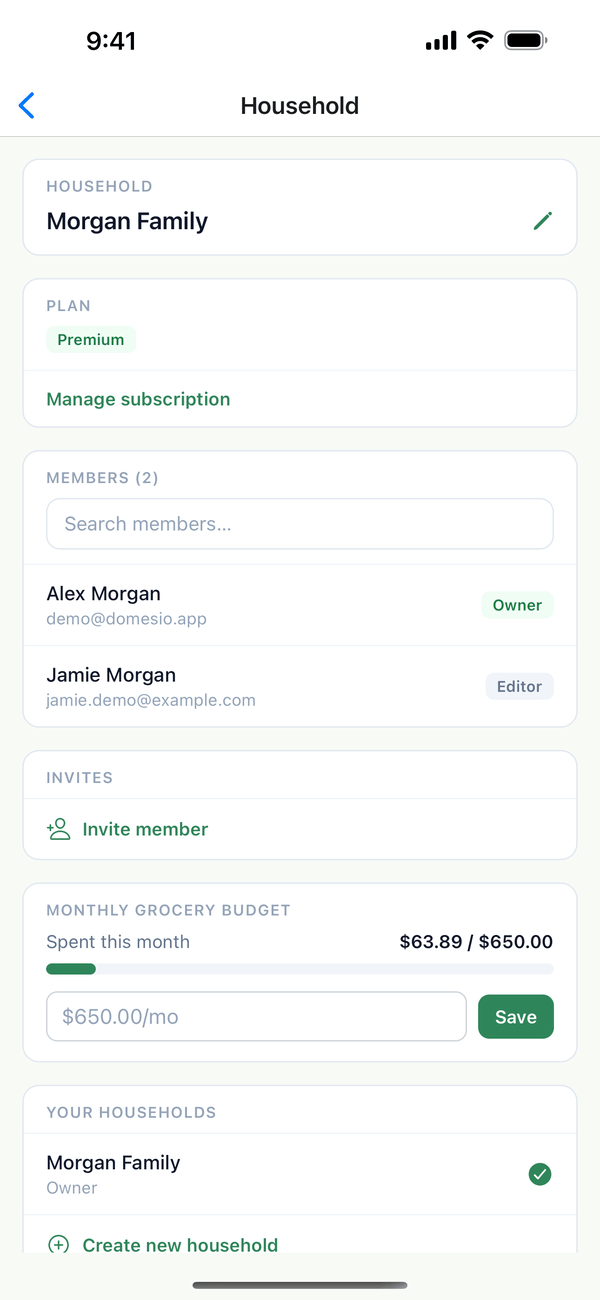
- Subscribe. Tap See plans, then Subscribe. You pay through the App Store on iPhone or Google Play on Android.
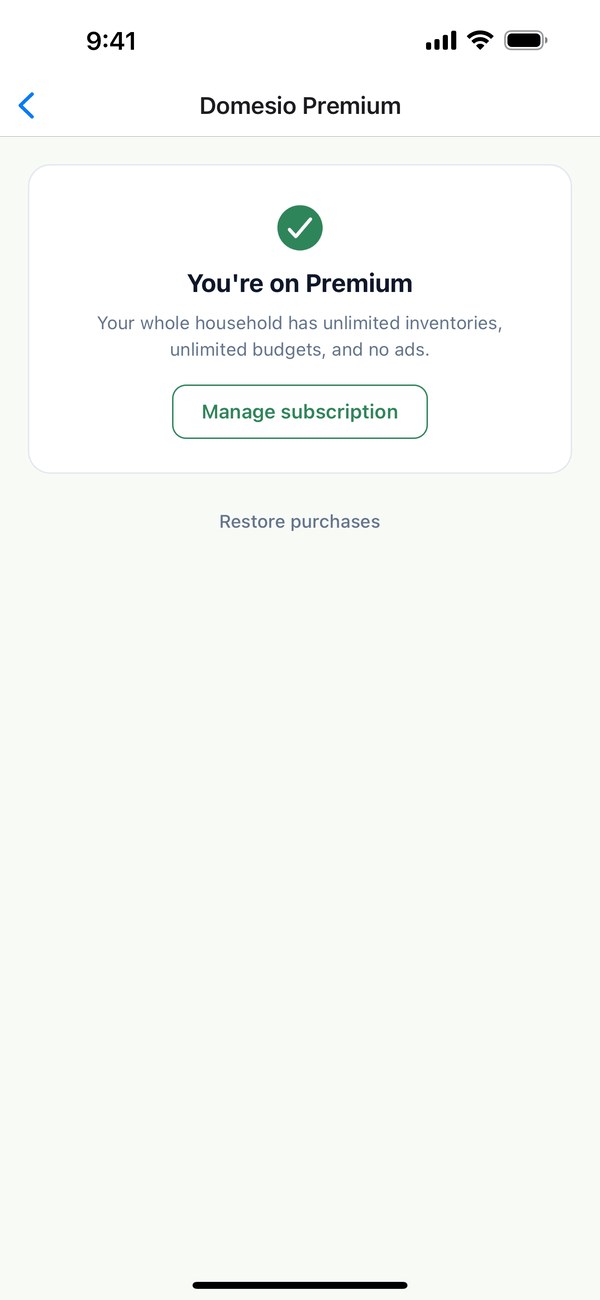
- Manage or cancel. Once you have Premium, the same screen shows You're on Premium and Manage subscription.
Tips
- New phone? Tap Restore purchases on the Domesio Premium screen to get Premium back.
- Premium belongs to the household, not to one person. Everyone in it gets Premium, and a new household you create starts on the free plan.
- Cancel where you subscribed. An App Store or Google Play subscription is managed in that store's subscription settings.
On the web
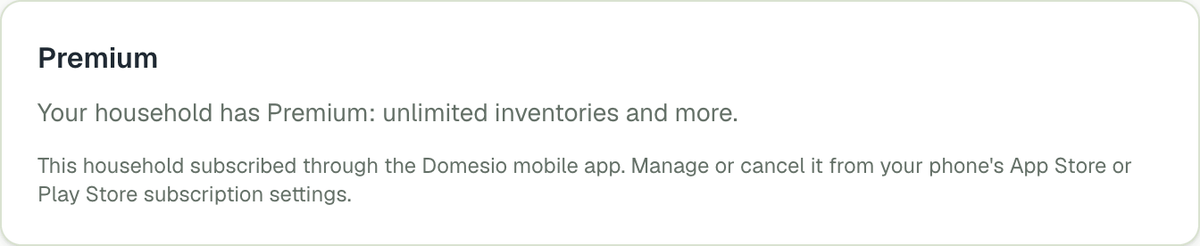
Household settings shows the Premium card too.
← Back to all guides
Still stuck? Send us feedback