Manage more than one home
Keep a vacation home, a parent's house, or an office kitchen in its own household, and switch between them.
Takes about 1 minute
Each household has its own inventories, shopping list, and members. If you look after more than one place, give each one its own household.
Steps
- Open Household settings. Tap the Account tab, then Household settings, and scroll down to Your households. A green check marks the one you're using.
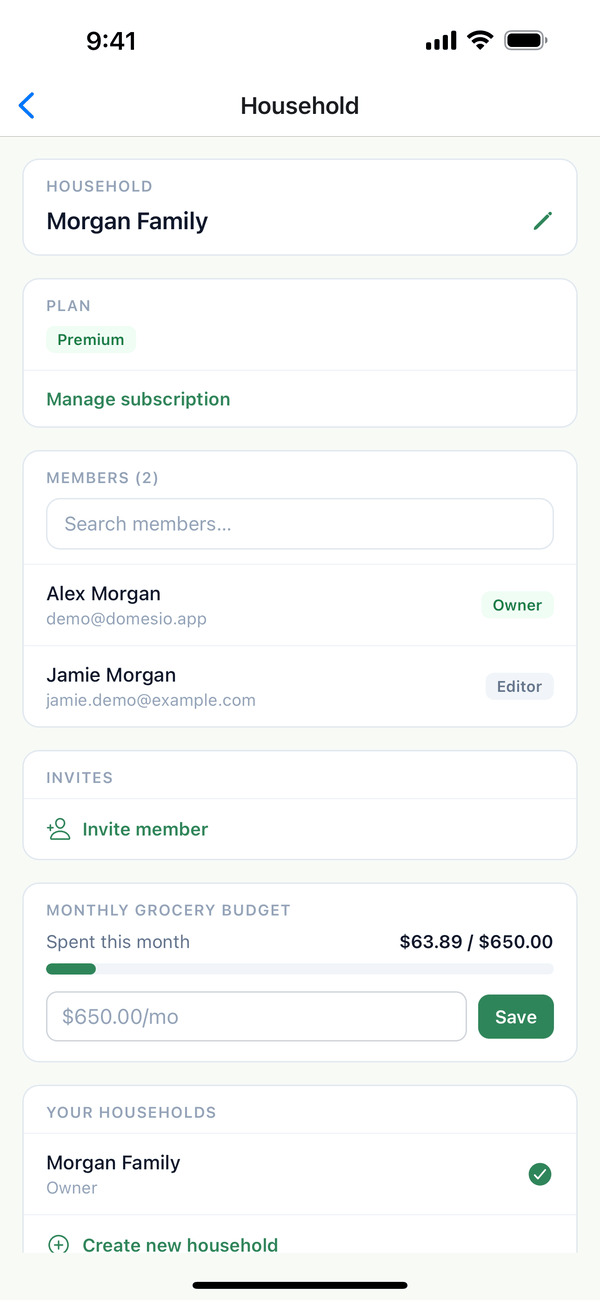
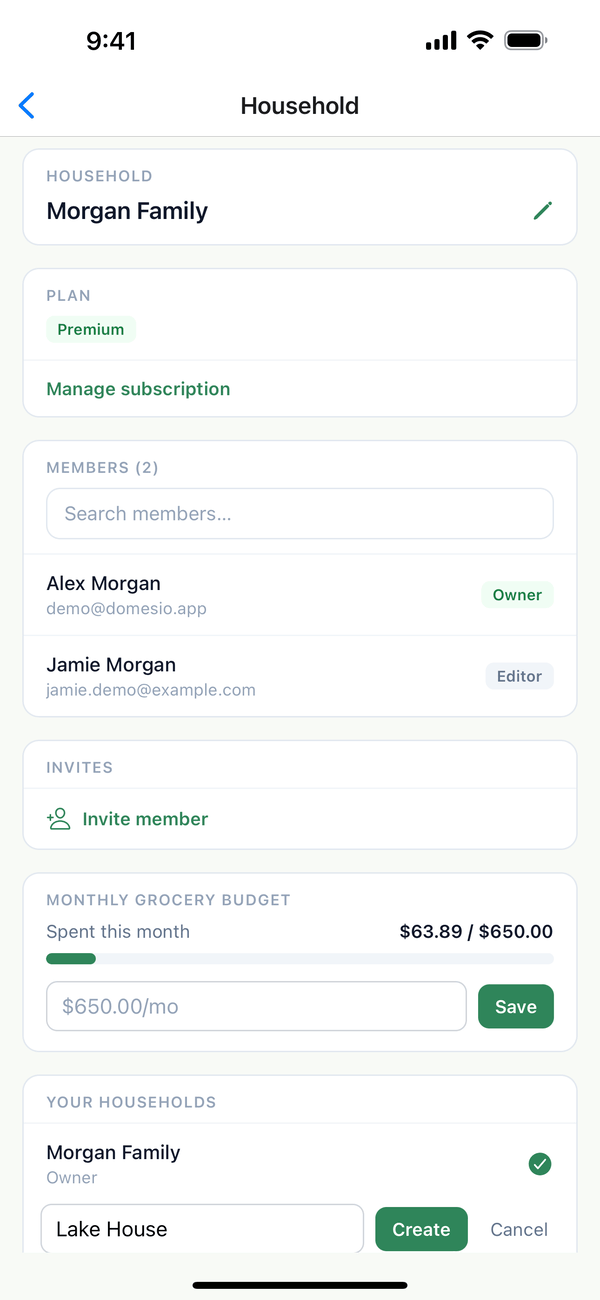
- Create a household. Tap Create new household, type a name like Lake House, and tap Create. Domesio switches to it right away.
- Switch between them. In Your households, tap Switch next to the one you want. Everything in the app shows that household.
Tips
- Invite people to each household separately. Someone in your main home doesn't see the lake house unless you invite them there too.
- Premium is per household. A new household starts on the free plan.
- You can be in households other people own. When someone invites you, their household shows up in your list with your role.
← Back to all guides
Still stuck? Send us feedback