Make a list for anything
Custom lists track anything that isn't groceries: packing, gift ideas, books to read, home projects, with your own fields.
Takes about 2 minutes
Not everything belongs in a pantry. Custom lists are for packing lists, gift ideas, books to read, or a weekend to-do list, with checkboxes and the details you want.
Steps
- Open Custom lists. Tap the Account tab, then Custom Lists. Each list shows how many items it has and which fields it uses.
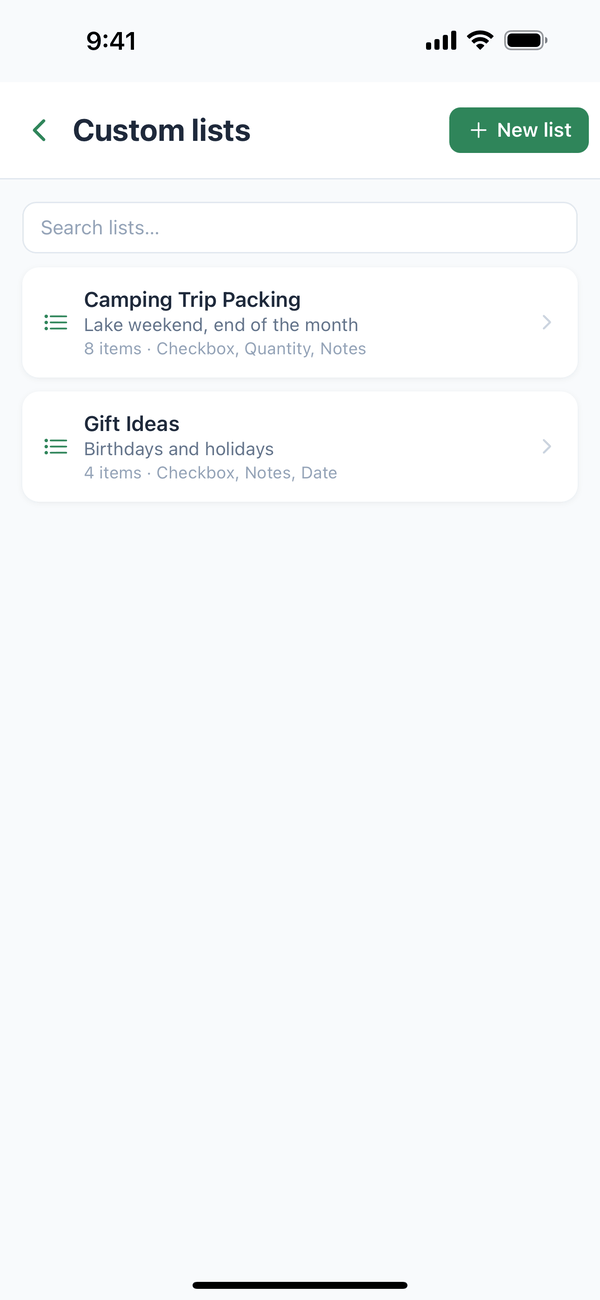
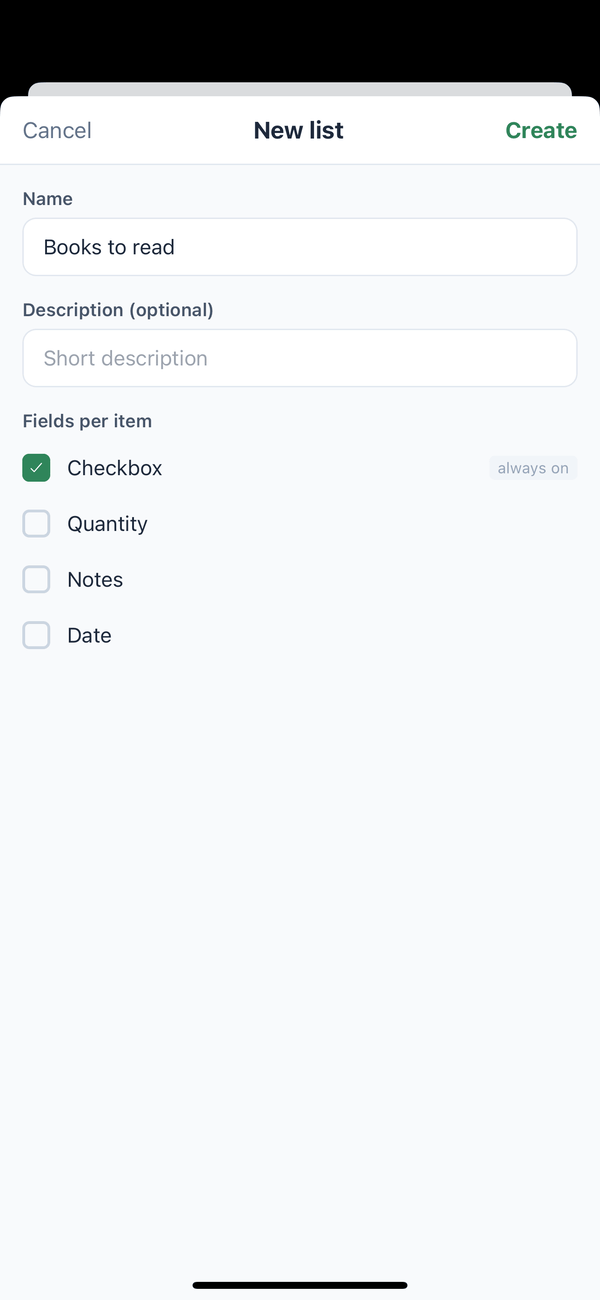
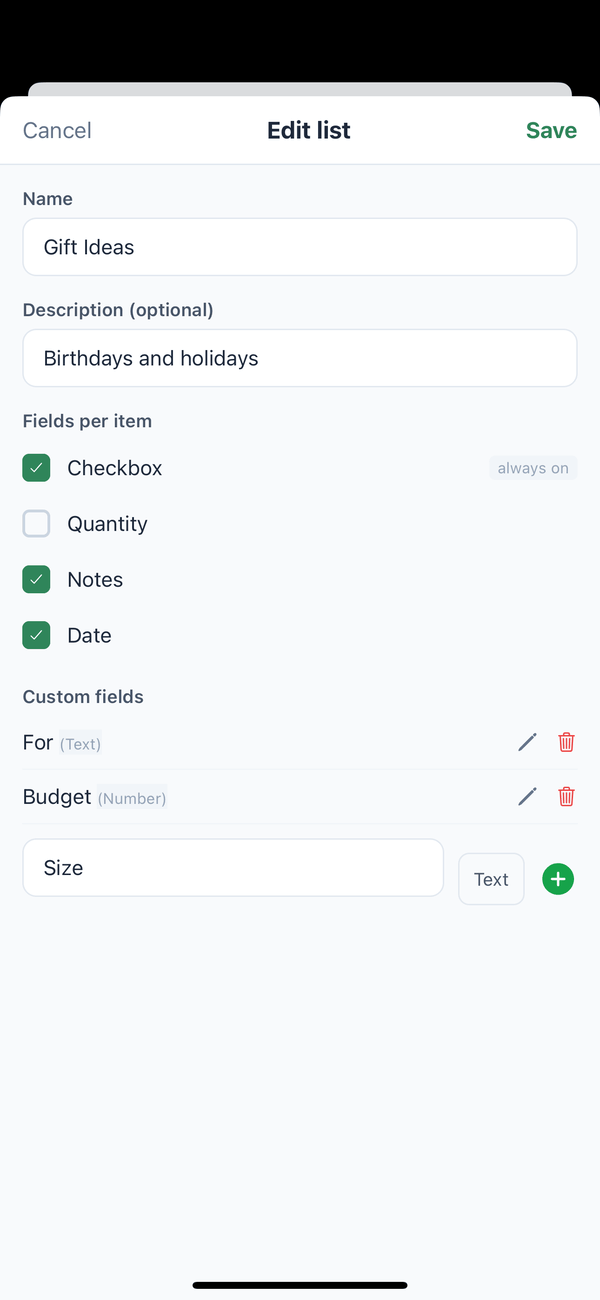
- Make a new list. Tap New list, type a Name (and a description if you like), and pick the Fields per item: Checkbox is always on, and you can add Quantity, Notes, and Date. Tap Create.
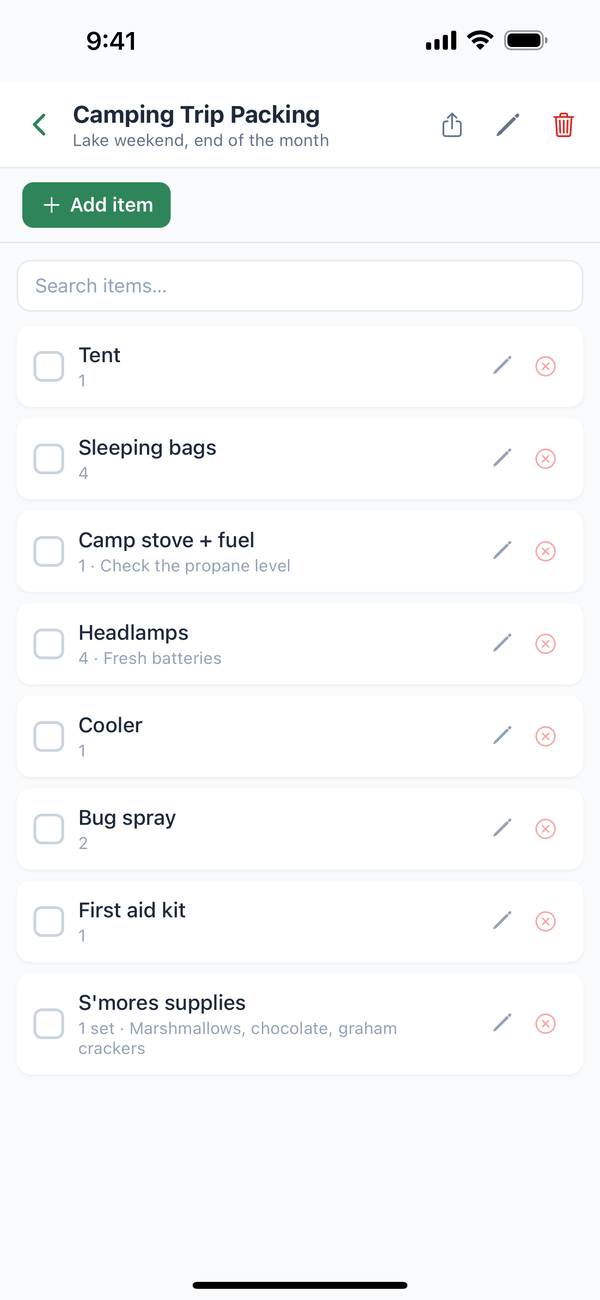
- Add items and check them off. Open the list and tap Add item. Tap the box next to an item to check it off.
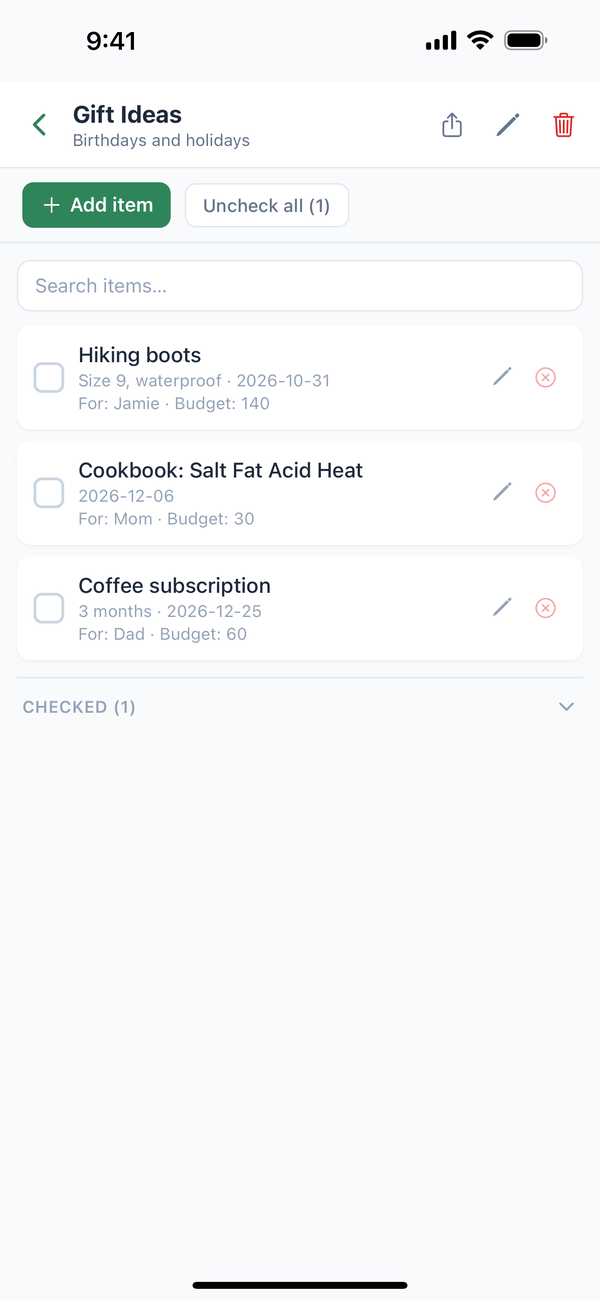
- Checked items move down. They go into a Checked section at the bottom. Uncheck all starts the list over, which is handy for packing lists you reuse.
- Add your own fields. Tap the pencil at the top of the list to open Edit list. Under Custom fields, type a name in New field name (e.g. Author), pick its type, and tap the green +. Tap Save.
Tips
- Everyone in your household can see your custom lists.
- Search finds items inside a list, and Search lists… finds a list.
- Deleting a list (the red trash button) is permanent, so Domesio asks first.
← Back to all guides
Still stuck? Send us feedback